You can get on the air surprisingly quickly. In fact, with a free MyRadioStream server and the right broadcasting app, you’ll be ready to go live in just a few minutes. Add in a few best practices, and your show will sound smooth from the very start.
1) Creating a Stream Server
At the heart of every station is the streaming server. This is what makes your audio publicly available to listeners. The fastest way to get one is to sign up for a free server at myradiostream.com. Registration is straightforward and most people are up and running in just a few minutes.
- The free plan activates a Shoutcast V2 server by default, which is enough to get started.
- Upgrading unlocks extras like Icecast support and removal of ads, which can make your station feel more polished.
- Paid tiers may also offer higher listener capacity and extra management tools—helpful if your audience grows quickly.
2) Choosing Your Streaming Software
Your broadcaster app is what sends live audio to the server. There’s no single “right” choice—it depends on what kind of workflow you prefer. Below are four popular options, each with its own strengths. Once you’ve picked one, you can follow the full setup guide on the Get Started page.
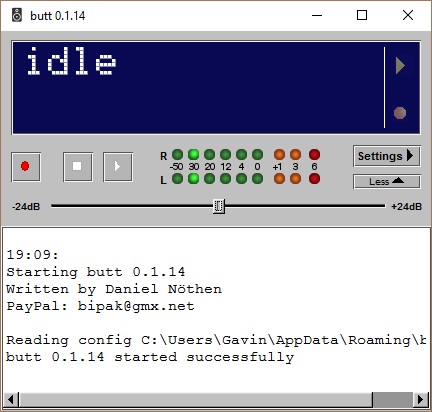
BUTT – Broadcast Using This Tool
Lightweight, open-source, and runs on pretty much anything. If you just want to connect and go live without fuss, this is the simplest option.
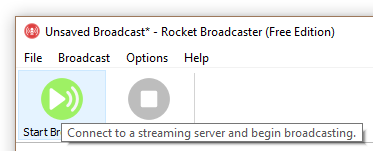
Rocket Broadcaster
Built for internet radio from the ground up. It comes in free and Pro editions, with features that help automate and streamline a station. Great if you want something that feels modern and user-friendly.
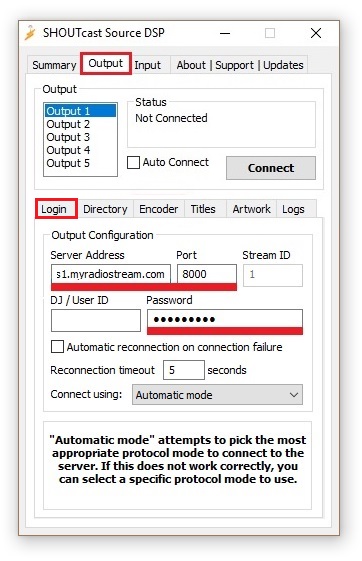
Winamp + Shoutcast DSP
This combo is the classic way of doing things. If you’ve been around online radio for a while, you’ve probably heard of it. It takes a bit more effort to configure but remains reliable for many broadcasters.
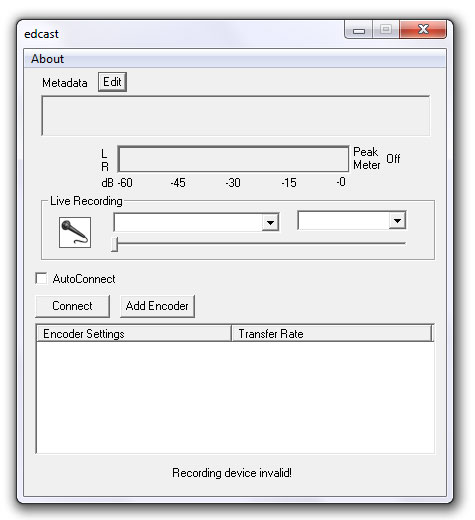
AltaCast
Completely open-source and very flexible. AltaCast supports both Shoutcast and Icecast, making it a strong choice if you want more control over how your stream is delivered.
Step-by-step installation and configuration guides are available at myradiostream.com/get-started/.
3) General Advice for Internet Radio Stations
- Define your format and audience: The clearer your focus, the easier it is to build a following.
- Stick to a schedule: Whether daily or weekly, consistency keeps listeners coming back.
- Keep an ear on audio quality: Regularly check that your stream isn’t too quiet or blasting too loud.
- Engage your audience: Give listeners a way to reach you—chat rooms, social media, or even a text line all help build community.